This post may contain affiliate links. If you buy through one, we may earn a commission at no extra cost to you. See our Affiliate Disclosure for details.
The idea arrives in the car. Fix the deposit line on the Halvorsen quote before it goes out Friday. You say it into your phone, the recording saves with a timestamp for a name, and then it sits in an app you open roughly once a quarter.
Capture worked. Everything after capture did not.
That's the real failure, and it isn't a recording problem — it's a routing one. A memo is an audio file. A task is a short line of text with a date attached, sitting in the place you actually look every morning. Nothing in the default setup moves the first thing into the second.
Turning voice notes to tasks is a three-stage pipeline: capture the audio, transcribe it into text, then extract the one actionable line and file it where your work already lives. Stage one is solved — every phone records, and both Apple’s Voice Memos and Google Keep transcribe without a third-party app. Stage two is close to solved; on clear speech, machine transcription stopped being the bottleneck several years ago. Stage three is where solo setups quietly break, because a transcript is a paragraph and a task is a dated line item, and almost nobody builds that bridge. The practical fix is smaller than a new tool: speak in a format your task manager can already parse, say the deadline out loud in plain words, and route everything to one destination instead of three. Software helps at stages two and three. The habit of ending every memo with a spoken due date helps more.
Three stages, and only one of them is genuinely hard
It's worth separating the stages before shopping for anything, because the marketing around getting voice notes to tasks blurs them together and sells you a fix for the part that already works.
| Stage | What comes out of it | How hard it is in 2026 |
|---|---|---|
| Capture | An audio file | Solved — your phone does it in two taps |
| Transcription | A block of text | Mostly solved — good on clear speech, worse on names and numbers |
| Extraction | A dated task in your system | Unsolved for most people — this is the gap |
Nearly every "AI voice notes" product spends its energy on the middle row. That's the row that was already fine.
The row that decides whether any of this changes your week is the third one, and it's less about intelligence than about plumbing: something has to decide that a rambling forty-second monologue contains exactly one commitment, phrase it in six words, attach Friday to it, and put it in front of you on Thursday.
Step 1: Record on the device already in your hand
Resist buying a recorder app. The built-in ones are now good enough that adding another icon mostly adds a decision.
On iPhone, Voice Memos records and transcribes, and Apple's own guide covers the transcript view alongside the recording controls. On Android, Google Keep takes a voice note and attaches a text transcription to it automatically, which — because Keep syncs to a searchable web app — quietly solves capture and transcription in one move.
The variable that actually matters here isn't audio quality. It's taps.
If recording a thought takes four taps and a passcode screen, you will not do it while carrying a ladder, and the note that never got recorded is the expensive one. Put the recorder on your lock screen, in the control centre, or on a home-screen widget before you touch anything else in this workflow. Then say the thing out loud in one breath, as a single sentence, and stop. Long memos are where extraction goes to die.
One habit is worth more than the rest combined: end every memo by saying the deadline. "…and that's due Friday." It costs a second and it's the entire reason stage three becomes possible, for reasons that get clearer below.

Capture is the stage that already works. The tools are trying to sell you the middle of the pipeline. Photo by Helena Lopes via Pexels.
Step 2: Transcription, and the words it will get wrong
Most of the accuracy conversation is out of date. Whisper, the open-source speech recognition model OpenAI released under an MIT licence, is the reason: it's freely available, it runs locally, and a large share of transcription products either use it or compete against something built on it. Whatever your phone does natively is in the same broad tier for ordinary speech.
Where errors still cluster is predictable, and knowing the pattern is more useful than chasing a percentage:
- Proper nouns. Client names, product names, street names. A surname it has never seen becomes the nearest common word, every time.
- Numbers spoken fast. Invoice references and quantities are where transcripts go wrong most damagingly, because the result reads as perfectly plausible.
- Background noise and overlapping speech. A car with the window down costs you more accuracy than a strong accent does.
- Your own trailing-off. Half-finished sentences transcribe as half-finished sentences.
For longer recordings — a client call rather than a memo to yourself — the dedicated services earn their place. Otter is built around meetings and publishes its summary and action-item features on its own site; MeetGeek sits in the same category with recording, transcripts and post-meeting summaries. Both are aimed at conversations with other people rather than at a note you dictate at a traffic light, which is a real distinction when you're choosing. If meetings are your main input rather than solo memos, the wider comparison in AI note-taking tools for solo consultants covers that side properly.
For a one-person business, though, a plain transcript is not the finish line. It's a paragraph you now have to read.
Step 3: Getting a task out of a paragraph
Here's the part almost every setup skips, and the trick is that you can do most of the work with your mouth rather than with software.
Task managers have parsed natural language for years. Todoist's Quick Add reads a typed line and pulls out the due date, the project, the label and the priority from ordinary phrasing — "send Halvorsen quote Friday" becomes a task named send Halvorsen quote, dated. It does not need to be typed. Paste a transcript line in and the same parser runs.
Which means the format of your speech is the interface.
Say "send the Halvorsen quote, due Friday" and the pipeline works end to end with no intelligence required beyond a date parser that has existed for a decade. Say "oh, and I should probably think about whether that quote's going out this week, the deposit line looked off" and no tool on earth turns that into a clean dated task, because you didn't make a commitment — you thought out loud.
That distinction is the whole skill. Two different kinds of memo, and they need two different destinations:
- Commitments — short, one action, spoken with a date. These go straight to the task manager.
- Thinking — long, unresolved, no date. These go to a notes app and get reviewed weekly, never to a task list, where they will sit unfinished and slowly poison your trust in the list.
For the second pile, a general workspace is the better home. Notion's AI features can summarise a long transcript into something skimmable, which is genuinely useful for a rambling twelve-minute drive home and genuinely pointless for a nine-word commitment. Match the tool to the pile.

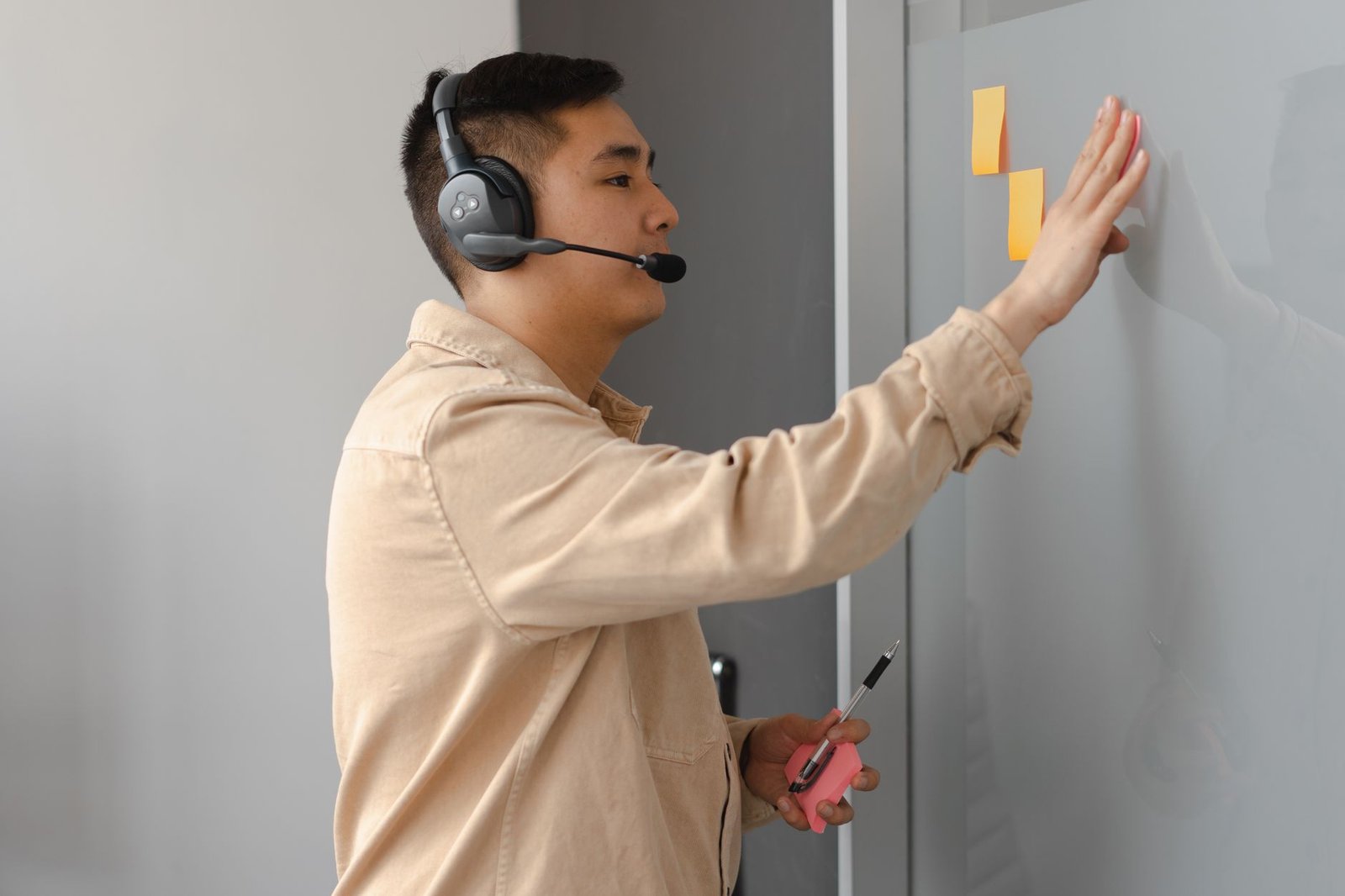
A task is a short line with a date on it. That's the target format, whatever produced it. Photo by freestocks.org via Pexels.
Wiring the handoff without writing code
Two stages down, one gap left: getting text from wherever it was transcribed into wherever tasks live. Three routes, in increasing order of effort.
Copy and paste. Unglamorous, instant, and correct for most solo volumes. If you record three memos a week, automation is a hobby project, not a productivity gain. Be honest about your numbers before building anything.
A share sheet. Most task apps register as a share target on both mobile platforms, so a transcript can go from the notes app into the task app in two taps with no integration at all. This is the route most people should stop at.
An automation platform. Once volume justifies it, Zapier's Todoist integrations or a self-hosted n8n can watch a transcription source and create a task from each new item. The catch is worth stating plainly: automation that files every memo as a task will bury you inside a fortnight, because roughly half of what you say into a phone is thinking, not committing. Any rule you build needs a filter — a keyword you speak deliberately, a specific folder, something — or you've automated the creation of noise.
After the task exists, the remaining question is when it gets done, which is a different problem with different tools. Reclaim belongs to the category that takes existing tasks and defends time for them on your calendar rather than helping you capture more. If your list is already longer than your week, that's the more useful direction to spend money in, and the trade-offs sit closer to AI project management tools for solo business owners than to anything in this article.
Where this pipeline falls apart
Four honest failure modes, because the setup above is not universally a good idea.
Client confidentiality. Sending a recording that names clients, rates or contract terms to a third-party transcription service means that content sits on someone else's infrastructure under their terms. On-device transcription avoids this entirely; a cloud service may not. Read the vendor's data handling page before recording anything you'd be uncomfortable seeing quoted back to you.
The capture trap. A frictionless capture habit generates volume, and volume without a review habit is just a different kind of mess — one that feels productive while it accumulates. If nothing on your calendar says empty this, don't build this.
Search doesn't fix a shapeless archive. Once transcripts pile up, finding the one you want becomes its own project; the same structural problem covered in AI document organization for a solo business applies to a folder of transcribed memos.
Names will be wrong. The proper-noun weakness above means a transcript-created task can name the wrong client. A ten-second glance at the task after it lands is not optional, and anyone promising a fully hands-off loop is skipping this.
What it costs, as of August 14, 2026
No prices appear in this article on purpose. Plans in this category change often enough that a figure printed here would be stale before it was useful, so the links go to the vendors' own pages: Otter, Todoist, Notion, and Reclaim. This list was last checked on August 14, 2026 — confirm current tiers and limits at the source before you commit.
Two structural points survive any price change, though.
The capture and transcription stages can be genuinely free, because they're built into hardware you already own. And most of the paid products here charge per seat, which is the rare pricing model where being one person works in your favour rather than against you.
If you're paying for anything in this pipeline, it should be stage three or the storage around it. Paying for stage one is paying for a feature your phone shipped with.
Record one memo today and walk it through by hand
Before automating a single step, run the pipeline manually once — it takes about four minutes and it will tell you more than another hour of comparison.
Record a twenty-second memo right now naming one real thing you owe someone this week, and finish it out loud with the words "due Friday." Open the transcript. Copy the sentence into your task manager exactly as spoken, without editing it, and watch whether the date parser catches Friday on its own.
If it does, you have a working pipeline today and the only remaining question is how many taps to shave off it. If it doesn't — if the date was missed, or the client's name came out mangled — you now know precisely which stage is broken, which is a far better starting point than a shortlist of apps. Either way, converting voice notes to tasks stops being a tooling question and becomes a question about how you speak into your own phone.

저는 한국에서 직원 없이 혼자서 두 개의 소규모 사업체를 운영하고 있습니다. 견적, 회계, 마케팅, 웹사이트 관리까지 모두 제가 직접 하고 있습니다. 개발자는 아니지만, 이 사이트의 자동화 시스템은 AI 코딩 도우미를 활용하여 밤늦게까지 오랜 시간 공들여 구축했고, 모든 콘텐츠 관리 및 게시도 제가 직접 담당하고 있습니다.