This post may contain affiliate links. If you buy through one, we may earn a commission at no extra cost to you. See our Affiliate Disclosure for details.
The recording takes forty minutes. The edit takes four hours, spread across two evenings, and by the second evening the episode has stopped feeling worth publishing at all.
That ratio is why most one-person podcasts stop somewhere around episode nine.
The interesting part is that the four hours aren't one task. They're three different tasks wearing the same name, and only some of them belong to a person.
AI podcast editing is very good at the mechanical layer — background noise, room echo, uneven volume between two speakers, hum, and the ums — and unreliable at the layer that decides whether an episode is any good. Noise reduction and loudness normalisation are now close to a solved problem, available in browser tools that need no plugins and no audio training. Filler-word removal works too, though stripping every one of them leaves speech that sounds oddly airless. What no tool decides for you is order: which eight minutes to cut, where the story sags, whether the best answer of the interview arrived at minute thirty-one and belongs at the top. Hand over the cleanup pass, keep the structural pass, and the four hours turn into roughly one. The bigger win is upstream anyway — a closer microphone and a quieter room save more time than any processing chain applied afterwards.
Three different jobs hide inside the word "editing"
Before choosing software, it helps to split the work, because vendors sell all three as one thing and only two of them are actually cheap to automate.
| The job | What it involves | Can a machine do it? |
|---|---|---|
| Cleanup | Noise, hum, echo, volume matching, loudness | Yes — reliably, and fast |
| Trimming | Ums, false starts, long pauses, coughs | Mostly, with a human check |
| Shaping | What to cut, what order, where it drags | No |
Cleanup is repetitive and rule-shaped, which is exactly what software is for. Shaping is editorial judgement about your own audience.
Most solo podcasters have this backwards. They spend the evening dragging waveform edges to remove breaths — a cleanup task — and publish a rambling episode whose best moment sits twenty-eight minutes in, where nobody reaches.
The cleanup layer got genuinely good
This is the part that changed, and it changed enough to be worth re-checking if you last tried it a few years ago.
Adobe Podcast runs speech enhancement in a browser: you upload a recording made on a laptop mic in a room with hard walls, and what comes back sounds much closer to a microphone in a treated space. No plugin chain, no compressor settings, no gain staging. Auphonic has been doing the automated post-production version of this for years — levelling two speakers who recorded at wildly different volumes, cutting steady background noise, and normalising loudness across a whole episode so listeners aren't reaching for the volume dial between shows.
Loudness deserves a sentence of its own, because it's the most common technical flaw in independent shows and the easiest to fix. Podcast platforms and normalisation tools converge on roughly −16 LUFS for stereo as a target level. You don't need to understand the unit. You need a tool that has the number built in, which every service named here does.
What none of them fix:
- Clipping. Audio recorded too hot is missing information, and nothing puts it back. Watch your input levels while recording; this is the one failure that has no post-production answer.
- Heavy room reverb. Enhancement reduces it. A tiled kitchen still sounds like a tiled kitchen.
- Two people on one microphone. Once voices share a track, separating them for individual treatment is guesswork.
Which points at the unglamorous truth of this whole category: moving the microphone six inches closer to your mouth improves an episode more than any processing you apply afterwards, and it costs nothing.
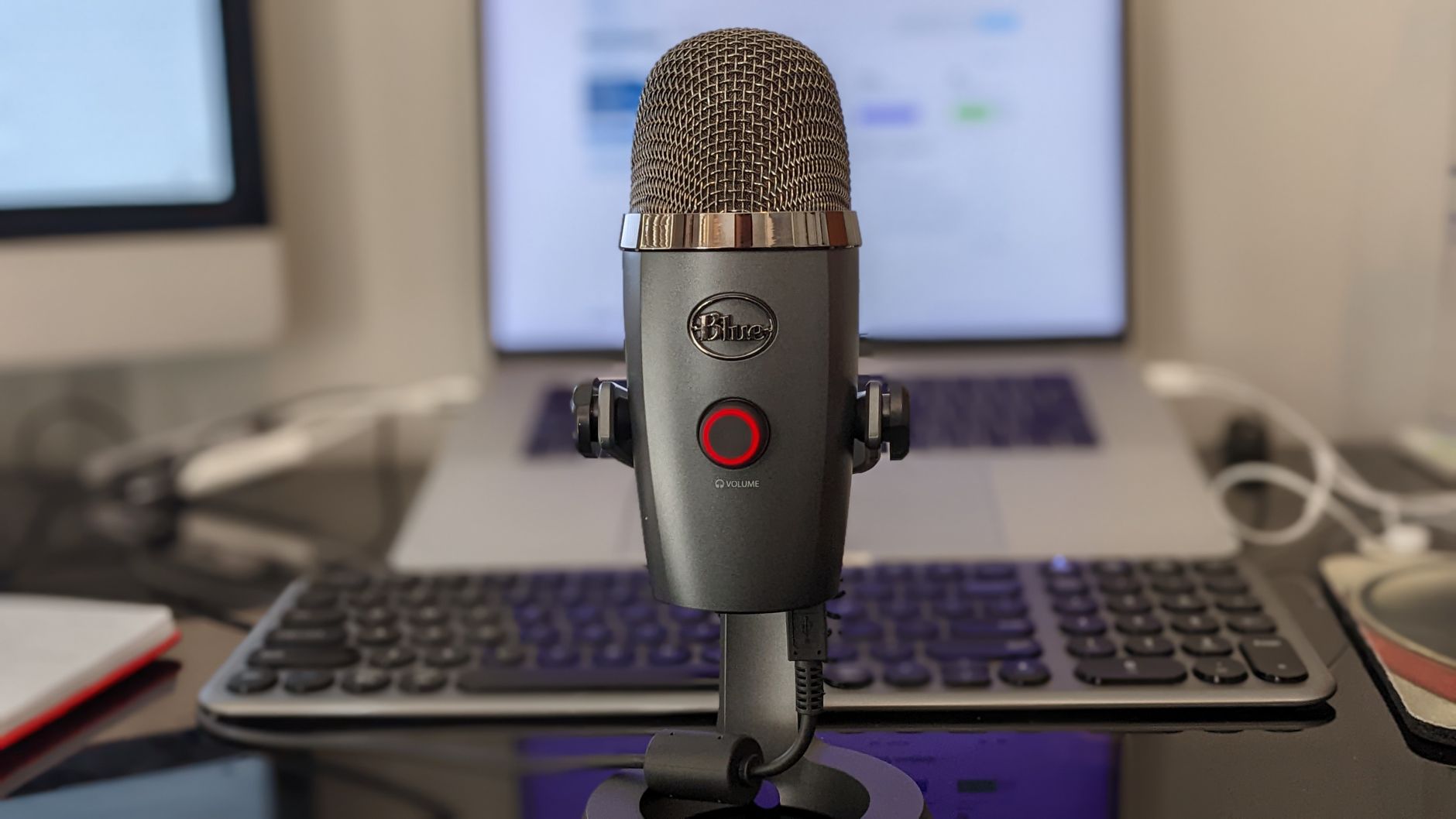
Distance from the mic decides more than the software does. Photo by Robert Carnes via Pexels.
Filler words: removable, but think before removing all of them
Automatic detection of "um", "uh", "you know" and "like" is standard now in the transcript-based editors, usually as a checkbox that removes every instance at once.
Try it on one episode and listen to the whole thing before you commit to it as a habit.
Speech with every hesitation surgically removed has a strange quality — technically clean, subtly inhuman, a little breathless. Interviews suffer most, because a guest's pause before a hard question is information for the listener. Solo monologues survive it better, since you're reading or half-scripted anyway and the hesitations carry less.
A middle setting works better than either extreme: strip the ums in your own narration, leave the guest's speech close to as recorded, and cut only the genuinely long dead air. Trimming silences from three seconds down to one does more for pace than removing four hundred filler words ever will.
Editing text instead of waveforms
The workflow shift worth understanding is that some editors now put a transcript in front of you instead of a waveform. Delete a sentence from the text, and that sentence disappears from the audio.
Descript built its whole product around this, and Riverside pairs it with remote recording that captures each participant locally rather than relying on a call connection — which matters, because a guest's broadband dropout becomes a permanent artefact in the file otherwise.
For anyone who writes more comfortably than they mix, this is the single biggest time saving available.
You skim a page of text, delete the tangent about parking, and never open a waveform. Rough cuts that used to take ninety minutes take twenty. The trade-off is real but small: transcripts get proper nouns wrong, so a client's name or a product name can look mangled on the page even though the audio is perfect — the same weakness described in turning voice notes into a working task list, and it applies to any speech-to-text system you use.
There's a second dividend. Once a clean transcript exists, the show notes are half written, the episode is searchable, and the pull quotes for social are sitting there in plain text. That transcript is also the raw material for clips, which is a separate craft covered in AI video repurposing tools for solo business owners, and a decent starting point if you draft your notes with help from the kind of tools in AI content writing tools for solo business owners.
What a machine will not decide for you
Here's the boundary, stated plainly, because the marketing blurs it.
Structure. No tool knows that your interview found its actual subject at minute thirty-one and that the first eleven minutes are throat-clearing. Moving that answer near the top is editing. Everything above is cleaning.
Length. An automated pass will happily hand back a fifty-two minute episode with tighter pauses. The version worth publishing might be thirty-four minutes, and choosing which eighteen to lose is judgement about who listens and why.
Consent and context. A guest who says something on the record and asks afterwards for it to come out is a human conversation, not a setting. So is the decision about how much to tidy someone's speech before it stops representing what they said.
Synthetic voice fixes. Several tools can generate a corrected word in your own voice. Used to fix a misspoken date, that's fine and nobody is harmed. Used to insert sentences you never said, it's a different thing entirely — and if a guest's voice is involved, it needs their explicit agreement, not an assumption.
The line I'd hold: let software change how the audio sounds, and keep every decision about what the audio says.
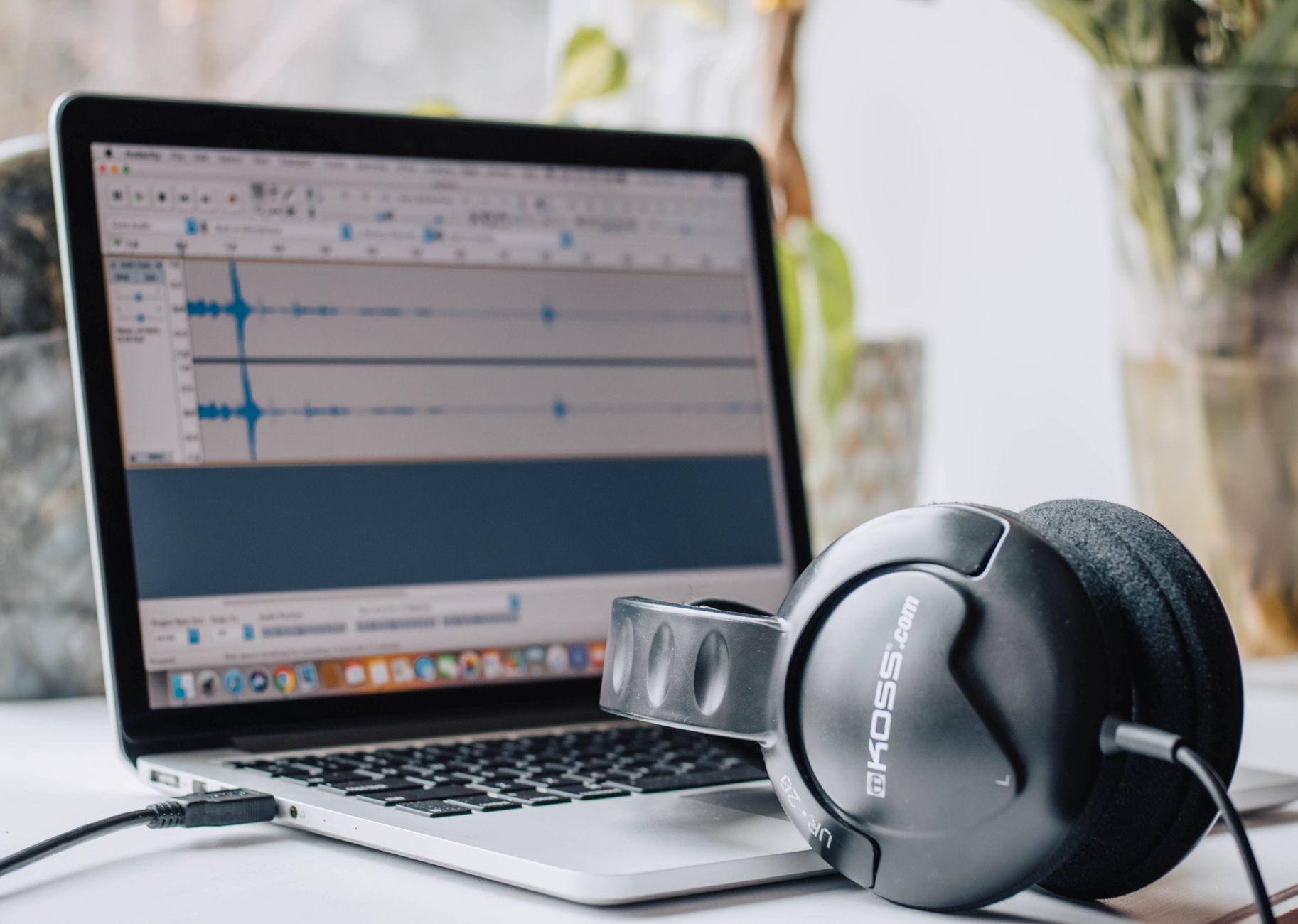
The cleanup pass is a checkbox. The structural pass is still an evening with headphones on. Photo by Layla Yehia via Pexels.
Do you still need a traditional editor?
For a lot of solo shows, no — and that's a recent development.
Audacity remains free, open source, and entirely capable of everything a talk-format podcast needs: multi-track assembly, cuts, fades, export. If your show is you and a microphone, it plus one automated cleanup service covers the whole job at zero software cost.
The transcript-based editors earn their subscription in two situations specifically. One, you record interviews and the rough cut is where your hours go. Two, you publish video alongside audio, where cutting both from one timeline avoids doing the same work twice.
If neither describes your show, the honest answer is that free tools plus a better microphone position will get you a result most listeners can't distinguish from the paid workflow.
About the prices, which this article does not print
None of the figures for these plans appear here on purpose. Tiers in this category change several times a year, limits shift, free allowances get reworked, and a number typed into a blog post ages badly and quietly.
This article was written in August 2026. For anything current, the vendors' own pages are the only source worth trusting: Descript, Riverside, Auphonic, and Adobe Podcast. Check them the day you decide, not the day you start researching.
Two structural things stay true regardless of what those pages say. Most of these products charge per seat or per hour processed, which is the pricing shape that treats a one-person operation kindly. And the cleanup layer has a free floor — a browser enhancement tool and Audacity cost nothing at all, so a tight budget doesn't force you to publish rough-sounding audio.
Tonight: run your worst episode through one cleanup pass
Pick the episode you were least happy with — the one where the room sounded hollow, or the guest was twice as loud as you.
Upload it to one browser-based enhancement tool, wait the few minutes it takes, then listen to the same ninety-second stretch in both versions with headphones on. Not the whole file. One passage, back to back.
That comparison answers the question this article can't answer for you: whether your bottleneck is the sound or the structure. If the enhanced version is a clear improvement, your cleanup problem is solved permanently for free and you can stop reading about compressors. If it sounds much the same, your recordings are already fine — and the four hours are going somewhere else entirely, which means the fix is a tighter outline before you hit record rather than any amount of AI podcast editing afterwards.

저는 한국에서 직원 없이 혼자서 두 개의 소규모 사업체를 운영하고 있습니다. 견적, 회계, 마케팅, 웹사이트 관리까지 모두 제가 직접 하고 있습니다. 개발자는 아니지만, 이 사이트의 자동화 시스템은 AI 코딩 도우미를 활용하여 밤늦게까지 오랜 시간 공들여 구축했고, 모든 콘텐츠 관리 및 게시도 제가 직접 담당하고 있습니다.