This post may contain affiliate links. If you buy through one, we may earn a commission at no extra cost to you. See our Affiliate Disclosure for details.
A question lands at 11:40 on a Tuesday night. It's the same question you answered four times last week — where's my order, do you ship here, can I get a refund past thirty days. You're asleep, and the person asking is deciding right now whether to wait until morning or go somewhere else. That gap is the actual problem a one-person support desk is trying to solve, and there are two very different products sold as the fix for it. Sorting out AI chatbot vs autoresponder mostly comes down to whether you need the gap answered or just acknowledged.
An autoresponder buys time — it confirms the message arrived and sets an expectation, but the person still waits for you. An AI chatbot tries to close the question outright, pulling from your help content to give a real answer at 11:40 p.m. The chatbot is worth more when a handful of questions repeat constantly and the answers are already written down somewhere. The autoresponder wins when your questions are mostly one-offs that need judgment, because a bot guessing at those does more damage than silence. Most solo desks should run the autoresponder from day one and only add a bot once they can list ten questions they answer over and over.
Two tools, two different jobs
An autoresponder is a rule. Message arrives, canned reply goes out, and the rule never learns anything. That sounds primitive, and it is, but it does one job perfectly: it kills the silence. The person knows their message landed and knows roughly when a human will get to it, which is most of what they were anxious about.
An AI chatbot is doing something categorically harder. It reads the question, searches whatever content you've given it — help articles, past replies, a product FAQ — and composes an answer. When the question is one it has material for, the conversation ends there and nothing reaches your inbox. When it isn't, a good bot hands off to email and a bad one invents a shipping policy you've never had.
The distinction that matters isn't which is more advanced. It's that one manages an expectation and the other resolves a request, and a solo owner usually needs both at different hours of the day.

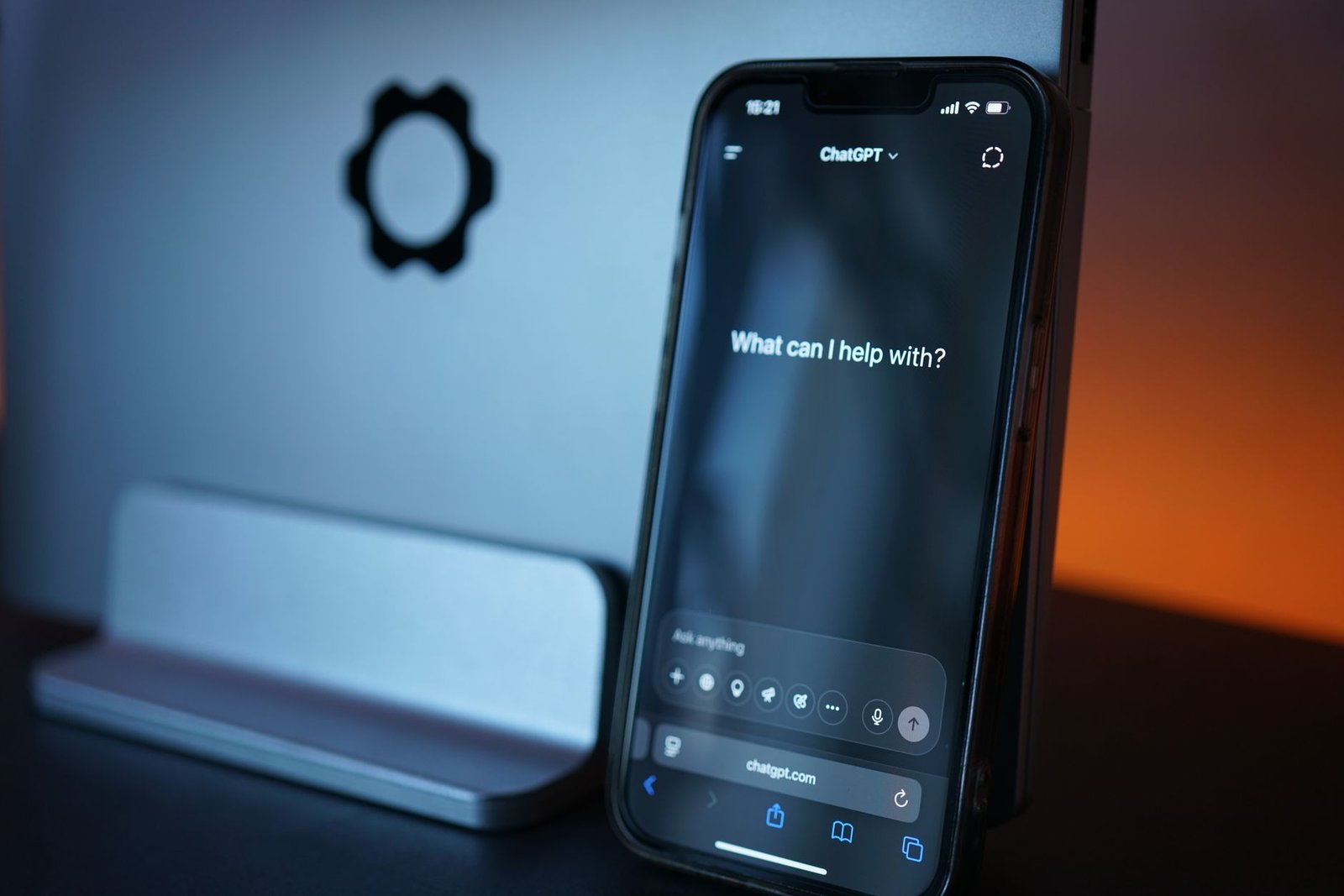
The bot only looks smart when it has your answers to work from. Photo via Pexels.
Side by side on the things that actually differ
| Autoresponder | AI chatbot | |
|---|---|---|
| What the customer gets | Confirmation and a time estimate | An attempted answer |
| Setup time | Minutes | Hours to days, plus content prep |
| What it needs from you | One well-written paragraph | Help articles it can search |
| Failure mode | Feels impersonal | Answers wrong, confidently |
| Cuts your ticket volume | No | Yes, if questions repeat |
| Cost floor | Usually included in your email tool | Free tiers exist, paid tiers scale by conversation |
The row worth staring at is the failure mode. A stiff auto-reply annoys someone mildly. A bot that tells a customer their order qualifies for free returns when it doesn't creates a problem you have to personally clean up — and you're the only one there to clean it.
Where the chatbot earns its keep, and where it embarrasses you
Repetition is the whole test. If your last hundred messages collapse into eight or nine recurring questions, a bot handles a real share of them and gives you back genuine hours. Storefronts, course sellers, and anyone with shipping or access questions tend to sit squarely in that shape.
Consulting and custom service work usually don't. When most incoming messages are specific to one client's situation, there's no pattern for a bot to learn and it spends its time confidently paraphrasing your homepage. Under that shape, a well-written autoresponder plus a tidy inbox — the kind of setup covered in AI shared inbox tools for solo business owners — does more for you than any bot will.
There's a middle option people skip: run the bot in a suggest-only mode where it drafts a reply and you approve it. You keep the judgment call and still skip the typing. Several platforms support this, and for a solo owner nervous about a bot speaking unsupervised, it's the sane entry point.
The prep work nobody quotes you for
Chatbot pricing pages sell the bot. What they don't price is the thing that determines whether it works: the content it reads from. Point a bot at a thin website and it produces thin, hedging answers, because that's all it has.
So the real first task isn't choosing a vendor. It's writing down the answers — ten short articles covering your ten most repeated questions, in plain language, with the specifics a customer actually needs. That's the same asset a self-serve help center runs on, which is why it's worth building even if you never deploy a bot at all; AI knowledge base tools for solo business owners goes through what that looks like without a documentation team. If you'd rather see the wider category first, the overview of AI customer support tools for solo business owners maps how these pieces sit together.

Ten written answers do more for bot quality than any vendor's model upgrade. Photo via Pexels.
Money, checked in late July 2026
Support pricing moves often enough that any figure printed here would age badly, so treat the vendors' own pages as the source. As of July 27, 2026, each of these publishes its plans openly and lists a free or entry-level option, though what fits inside it varies a lot.
On the chat and bot side, Tidio is aimed squarely at small stores and bundles live chat with an AI agent. Crisp covers a similar range and folds in a shared inbox, which matters if you'd otherwise pay for two tools. Chatbase is narrower — you feed it your content and it answers from that — which suits someone who wants the answering engine and nothing else. tawk.to describes itself as free live chat software and charges for add-ons instead of seats, an option worth knowing about when the budget is genuinely zero.
For the autoresponder half, you likely already own it. Most help desk and email platforms include automatic replies and saved responses in their base plans; Help Scout is a common pick for solo desks that want conversation history without enterprise weight. Check what your current email tool already does before paying anything — the acknowledgment problem is frequently solved by a setting you haven't turned on.
Pick one, and give it ten questions this week
Open a blank document and list the ten questions you've answered most in the past month. Not a survey, not a strategy — just ten lines, from memory and your sent folder. That list is the decision. If the ten lines look repetitive and factual, sign up for a free tier at one of the bot platforms above, paste the answers in, and ask it those exact ten questions to see how many it gets right before it ever faces a customer. If the ten lines look like ten different conversations, close the tab, spend twenty minutes writing an auto-reply that says when you'll respond and what to include in the meantime, and turn it on tonight. Either way you've resolved AI chatbot vs autoresponder for your own desk with an hour of work, which is a better answer than any comparison table can give you.

저는 한국에서 직원 없이 혼자서 두 개의 소규모 사업체를 운영하고 있습니다. 견적, 회계, 마케팅, 웹사이트 관리까지 모두 제가 직접 하고 있습니다. 개발자는 아니지만, 이 사이트의 자동화 시스템은 AI 코딩 도우미를 활용하여 밤늦게까지 오랜 시간 공들여 구축했고, 모든 콘텐츠 관리 및 게시도 제가 직접 담당하고 있습니다.