This post may contain affiliate links. If you buy through one, we may earn a commission at no extra cost to you. See our Affiliate Disclosure for details.
Most advice about late payment starts with the invoice itself — clearer terms, a bolder due date, a better template. That part is usually already fine. What tends to be missing is everything that happens after the invoice lands and before the money does.
Nobody schedules the awkward part. So it doesn't happen.
Automated invoice reminders are scheduled emails your billing tool sends on your behalf when an invoice is approaching its due date or has passed it. Almost every invoicing platform already includes them — Xero, QuickBooks, FreshBooks, Zoho Invoice, Wave and Stripe all document the feature — which means for most one-person businesses this is a setting to switch on rather than a product to buy. The schedule matters more than the wording: one note before the due date, one on the day, then spaced follow-ups afterwards. What reminders cannot fix is a client who has no approved invoice in their system, no easy way to pay, or no intention of paying, and those need a different intervention entirely.
Why the follow-up email never gets sent
Sending an invoice feels like finishing. Chasing it feels like starting an argument.
That asymmetry explains most of the gap between when money is owed and when it arrives. The first email is administrative and takes ninety seconds. The second one requires deciding how firm to be, rereading it twice, wondering whether the client is offended or simply busy, and then usually deciding to leave it until Friday. Friday has its own problems.
There is also a quieter reason. Following up requires knowing what is outstanding, which requires opening the accounting file, which is the thing you were already avoiding. A reminder that fires on its own removes the decision and the lookup at the same time, and that is most of its value — not the email, but the not-having-to-decide.
Worth being plain about one thing: automation does not make the conversation less awkward. It makes it stop being a conversation. A dated, neutral, obviously systematic message reads as process rather than confrontation, and clients respond to it as process.
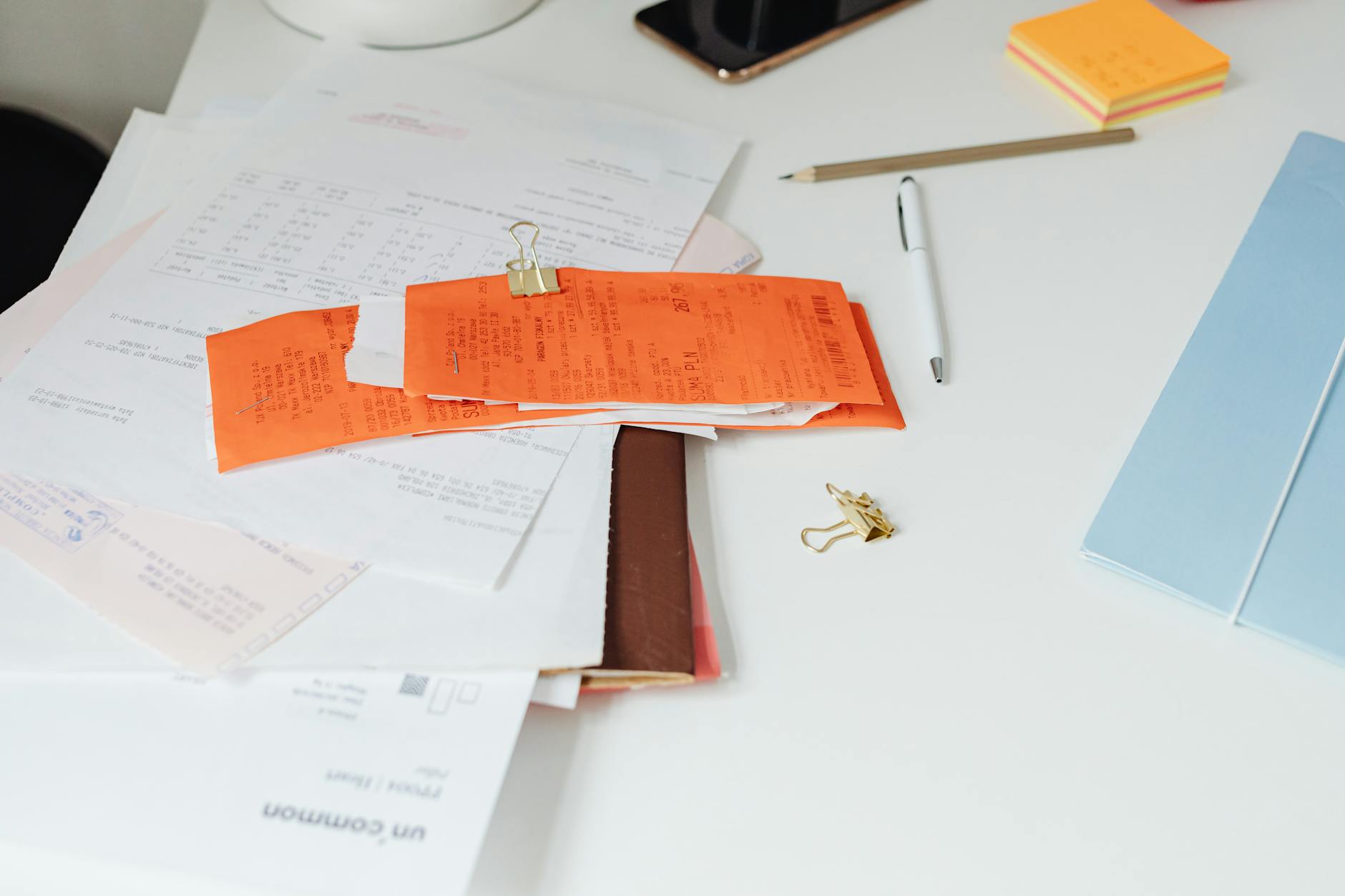
The paperwork is rarely the bottleneck. The follow-up is. Photo via Pexels.
The schedule does most of the work
A reminder system is really just a set of trigger points relative to the due date. Get those right and the wording barely matters.
A workable default for a solo operation looks like this:
| When | What it is | Tone |
|---|---|---|
| 3 days before due | A courtesy heads-up with the payment link | Neutral, no ask |
| Due date | Confirmation that it's due today | Neutral |
| 7 days overdue | First real follow-up, invoice reattached | Matter-of-fact |
| 21 days overdue | Second follow-up, reply requested | Direct, still polite |
| 45 days overdue | Stops being automated | Handled by you |
Two things about that table are deliberate.
The pre-due reminder is the one people skip, and it is the one that prevents the most lateness, because a large share of unpaid invoices are not refusals — they are invoices sitting unopened in an inbox or unapproved in someone's accounts queue. A note three days out catches those before they become overdue at all.
The other is the endpoint. Automated sequences should have a last message, after which a human takes over. An invoice that has ignored four automated emails is not going to be moved by a fifth. At that point the useful action is a phone call, a pause on new work, or a formal demand — and none of those should fire automatically.
Where the switch already lives
This is the part that surprises people who go looking for a dedicated reminder app: they almost certainly already own one.
Xero describes automated reminders as a core part of its invoicing, sent on a schedule you define. QuickBooks builds reminders into its invoicing flow too, and markets a payments feature it claims gets invoices paid four days faster on average — a vendor's own figure, footnoted on its page, worth reading as a claim rather than a finding. FreshBooks positions automated reminders and payments as the point of its invoicing product.
The free and low-cost end is more interesting than it used to be. Zoho Invoice lists automated payment reminders on a plan the company prices at $0 for small businesses. Wave includes invoicing on its free tier but places automatic overdue reminders on its paid Pro tier, which is a distinction easy to miss when comparing feature lists. And if you bill through Stripe, reminder emails for unpaid one-off invoices are a dashboard setting under billing notifications rather than a separate product.
Pricing and tier boundaries here were checked on 10 August 2026, and the tier a feature sits in moves more often than the feature itself. Confirm on the vendor's own page before assuming a reminder is included in the plan you are on.
If you are still deciding on the underlying billing tool rather than just the reminders, the wider comparison in automating invoicing and cash flow covers that choice properly. Reminders should not drive it — every serious option has them.

Trigger points relative to the due date matter more than the wording of any single email. Photo via Pexels.
Tone is where these go wrong
Default reminder templates tend toward two failure modes, and both cost money.
The apologetic one hedges so heavily that the request disappears. "Just circling back, no rush at all, whenever you get a chance" gives the reader explicit permission to keep not paying. It is written to protect your comfort, not to get the invoice settled.
The aggressive one arrives too early. A legalistic notice about accruing interest on day two of a delay reads badly to a client whose accounts team simply runs a fortnightly payment run, and you will have spent goodwill on nothing.
What works sits between them and is mostly structural: the invoice number, the amount, the due date, a link that pays it in one click, and a single sentence with no apology and no threat. Short. Dated. Repeatable.
One detail changes outcomes more than any phrasing: whether the reminder contains a payment method that works immediately. A reminder that asks someone to log in somewhere, find the invoice, and arrange a transfer is a to-do item. A reminder with a working payment link is a thirty-second task. Most tools attach that link automatically once online payments are enabled, and many people leave that switch off.
What reminders can't fix
Automation solves forgetting. It does not solve the other three causes of late payment, and it is worth knowing which one you actually have.
The first is a process mismatch. Larger clients pay on their own cycle, often requiring a purchase order number or approval before an invoice is even payable. Reminders sent into that system do nothing, because the invoice was never in the queue. The fix is a question asked before the work starts, not an email sent after.
The second is a terms problem. Net-30 on a job that took you two days is a choice, not a law, and if cash timing is genuinely tight, deposits and staged billing move the money far more than any reminder cadence will. Seeing that pattern clearly is what a cash flow view is for — the number of days between delivering work and being paid is a thing you can measure and then change.
The third is a client who will not pay. Reminders are how you build a clean, timestamped record of having asked, which is useful later, but no sequence recovers that money on its own.
A practical note on bookkeeping: reminders fire against outstanding invoices, so they are only as accurate as your payment records. If payments land in your bank and get marked off two weeks later, clients will receive reminders for invoices they have already settled, which is worse than sending nothing. Keeping reconciliation current is a prerequisite, not a separate project.
Switch on the reminder you already own
Open your invoicing tool and find the reminders setting — in most platforms it sits under invoice or notification settings, not under a separate menu.
Turn on exactly two: one three days before the due date, one seven days after. Not the full five-step sequence above. Two triggers cover the majority of ordinary lateness, and starting small means you will actually check what the emails look like before they go to a real client.
Then send yourself a test invoice with a due date in the past and read the reminder as it arrives. That one email tells you whether your payment link works, whether your business name renders correctly, and whether the default template sounds like you or like a debt collector. Fix whatever looks wrong, and the system runs itself from there.

저는 한국에서 직원 없이 혼자서 두 개의 소규모 사업체를 운영하고 있습니다. 견적, 회계, 마케팅, 웹사이트 관리까지 모두 제가 직접 하고 있습니다. 개발자는 아니지만, 이 사이트의 자동화 시스템은 AI 코딩 도우미를 활용하여 밤늦게까지 오랜 시간 공들여 구축했고, 모든 콘텐츠 관리 및 게시도 제가 직접 담당하고 있습니다.