
This post may contain affiliate links. If you buy through one, we may earn a commission at no extra cost to you. See our Affiliate Disclosure for details.
On the canvas it looks like one automation. A form gets submitted, the answer lands in a spreadsheet, a Slack message goes out, a row appears in the CRM, and a welcome email queues up. One flow, one line drawn left to right. On the invoice it is not one of anything — it is four steps that ran, and on two of the three major platforms you are billed for each of them separately. That single accounting difference decides more solo-budget outcomes than any feature comparison does, and it is usually the last thing people look at.
Pick based on how the platform counts a run, not on how many apps it connects. Zapier bills by task — roughly one per action step that fires — which makes short, high-volume flows cheap and long multi-step flows expensive fast. Make bills by operation, counted per module, so its unit is finer-grained and its plans usually carry far more of them. n8n prices its cloud plans by whole workflow execution regardless of how many nodes are inside, and the software is source-available, so a technically comfortable owner can self-host and take the metered cost out of the equation entirely. Before signing up for any of them, write down your five most repetitive weekly chores and count the steps each would need. That number, multiplied by real weekly volume, is the only figure that separates the three.
The billing unit matters more than the feature list
Every platform in this category claims thousands of integrations, and for a one-person business that claim is almost never the constraint. The apps you use — an inbox, a calendar, a form builder, a payment processor, a spreadsheet — are supported everywhere. Zapier keeps a public app directory you can search before committing, and the others cover the same mainstream ground. Integration coverage stopped being a differentiator years ago.
What still differs, sharply, is the meter.
Think of it as the difference between a bus fare and a taxi fare. A flat fare per journey rewards long trips; a fare per kilometre punishes them. Two owners running the same monthly volume can land in completely different price brackets purely because one built flows with eight steps and the other built four flows with two steps each. Neither built anything wrong. They just chose meters that disagreed with their design.
This gets sharper the moment AI enters the flow. An AI step — summarise this email, classify this ticket, draft this reply — is a step like any other, so a flow that adds three AI calls to an existing five-step process has not grown by "a bit of AI." It has grown 60% on the meter, on top of whatever the model provider charges separately. Automation that leans on AI is structurally more expensive per run than automation that just moves data between fields, and the pricing model you picked in month one decides how much more.
Three platforms, three different bets
Zapier
The unit is the task, and Zapier's own pricing page is where the current definition and allowances live. Broadly, an action that runs consumes a task; the trigger that started it generally does not. Filters that stop a flow early tend not to charge you for steps that never happened, which quietly matters — a well-placed filter is a cost control, not just logic.
The bet Zapier makes is on the first hour. Nothing else in this category gets a non-technical owner from "I want the form to do that" to a working automation as quickly, and for a business with no engineering time to spend, that is a real line item. Where it stops being kind is depth: the long, branching, everything-in-one-flow builds are exactly what its meter is least forgiving of.
Make
The unit here is the operation, counted per module that fires inside a scenario run, with the specifics set out on Make's pricing page. A finer-grained unit sounds worse and generally is not, because plans in this model tend to be sized in far larger quantities. Whether that trade favours you is arithmetic, not opinion.
Make's bet is the visual builder. Scenarios are laid out as a diagram rather than a vertical list, with routers, iterators and error handlers as first-class parts of the picture. If your process genuinely branches — this kind of enquiry goes here, that kind goes there — this is where that shape is easiest to see and to debug six months later, when you have forgotten why the third branch exists.
n8n
Two things set it apart. Its cloud plans are priced by workflow execution rather than by step, as described on n8n's pricing page, so a twenty-node workflow and a two-node workflow consume the same single execution. And the software is source-available under its own licence with published self-hosting documentation, meaning you can run it on your own server and turn a metered subscription into a fixed hosting bill.
The bet is on the owner having some technical appetite. Self-hosting means you own the updates, the backups, and the 2 a.m. failure. Plenty of solo operators happily pay a platform precisely so they never own those things. But if your flows are long, your volume is high, and a small VPS does not intimidate you, this is the option where the cost curve flattens instead of climbing.
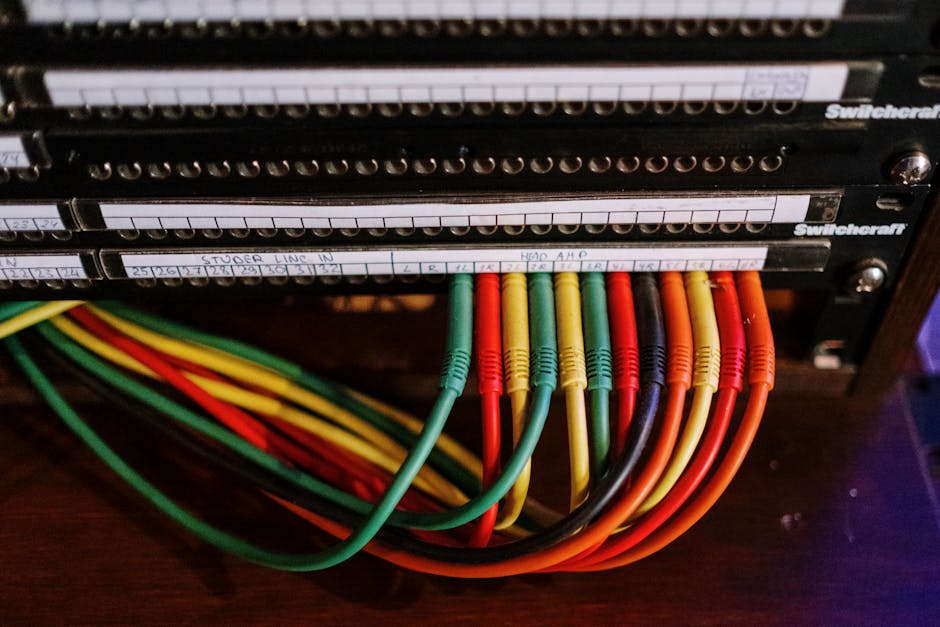
Every platform will connect the apps. What they disagree about is what counts as one connection. Photo by cottonbro studio via Pexels.
So how many runs will you actually use?
Most people guess this badly in both directions — wildly over, because automation feels like it should be constant, or wildly under, because they only count the flow they are currently excited about.
There is a twenty-minute version of the estimate that beats guessing:
- List the five chores you repeat most in a week. Not the ones you wish you did — the ones you actually did last week.
- For each, write the trigger and then the individual actions in order. "New payment received" then update sheet, then send receipt, then tag the customer. Three actions.
- Count how many times that trigger genuinely fired in the past seven days. Look it up rather than estimating; inbox search and payment history both give you a real number.
- Multiply steps by occurrences for each chore, then add them together and multiply by about 4.3 for a month.
- Add roughly a third on top. Retries, test runs while building, and the flows you have not thought of yet all land in that margin.
The result is your step-based monthly volume — the figure Zapier and Make are metering. Count the same list again as whole runs rather than steps, and you have the figure n8n's cloud plans are metering. When those two numbers are close, your flows are short and the choice barely matters. When the step number is four or five times the run number, you have your answer, and it is not the per-step meter.
One warning on the counting: include the automations you already half-run through other software. If your scheduling stack already handles reminders and follow-ups without you, do not rebuild that on a general-purpose platform just to have it in one place. You would be paying twice for a job already done.
Where the cheap option stops being cheap
The free tiers are real and they are also where the trap sits. All three have offered one; whether it still fits your volume is a question for the pricing pages linked above, not for a blog post. What is predictable is the shape of the surprise.
Polling interval is the first one. On lower tiers, a flow does not necessarily fire the instant something happens — it fires the next time the platform checks, which might be fifteen minutes later. For a nightly report, irrelevant. For a customer expecting an instant confirmation, that gap is the entire product.
The second is the multi-step build that grows. A four-step flow at modest volume sits inside a starter plan comfortably. Six months on it has nine steps, because every time something slipped through you added a branch, and now it is consuming more than double what you budgeted. Nobody notices this happening. You notice the plan upgrade.
The third is test runs during building. Debugging a flow means running it, sometimes twenty times in an afternoon, and on a step-based meter those consume the same units as production traffic. Build a complicated automation in one sitting and you can spend a meaningful slice of a monthly allowance before the thing has done a single useful piece of work.

Per-step billing is a meter on the conveyor, not on the shipment. Longer line, higher bill, same output. Photo by Vladimir Srajber via Pexels.
The parts nobody puts in a comparison table
Comparison tables cover integrations, price, and step limits. They rarely cover the three things that actually determine whether an automation is still running next year.
What happens when a step fails. Not if — when. An API times out, a field arrives empty, a customer types a name with a character the destination app rejects. The question is whether you find out. A platform that emails you on failure and lets you replay the run costs less in recovered work than one that fails silently and leaves you to discover three weeks of missing rows.
Credential expiry. Connections break when a password changes, a token expires, or an app revokes access after a security update. This is the single most common reason a working automation stops working, and it looks exactly like nothing happening at all.
Whether you will understand it later. Six months on, a flow built in a hurry is somebody else's code, and that somebody is you. Naming steps properly and adding a note about why a branch exists takes ninety seconds during the build and saves an hour during the panic. It is the same discipline that keeps a document system usable rather than merely full.
A quiet consequence of all this: the first thing worth automating is rarely the most interesting thing. It is the chore that is repetitive, high-volume, and low-stakes if it breaks for an hour — moving finished invoices into a folder, not the invoicing itself. Start where a failure is an inconvenience rather than a customer problem, and learn the platform's failure behaviour there.
No prices or plan limits appear anywhere above, deliberately. Tiers get renamed, allowances get redrawn, and free plans get trimmed often enough that a number typed here in August 2026 would mislead somebody reading in November. The billing units described — tasks, operations, executions — are the structural differences worth understanding, and each vendor's own pricing page, linked in each section, is the only place to read the current figures against them.
Count one week before you pick
Do not open a signup page yet. Open whatever you use to track work, and write down every repetitive task you performed in the past seven days along with how many times you did it. Ten minutes, one sheet of paper is fine.
Then take the single chore at the top of that list and write out its steps, in order, as if instructing somebody else. If it comes to two or three steps and you do it forty times a week, a per-step meter is fine and you should start with the platform that gets you running fastest. If it comes to nine steps and you do it five times a week, the per-run or self-hosted route will cost you less within the year, and that gap widens every time you add an AI call to the middle of it.
That one sheet of paper tells you which no-code automation platform you are actually shopping for — which is more than any comparison table can do, because none of them know how many times your form got filled in last week.

저는 한국에서 직원 없이 혼자서 두 개의 소규모 사업체를 운영하고 있습니다. 견적, 회계, 마케팅, 웹사이트 관리까지 모두 제가 직접 하고 있습니다. 개발자는 아니지만, 이 사이트의 자동화 시스템은 AI 코딩 도우미를 활용하여 밤늦게까지 오랜 시간 공들여 구축했고, 모든 콘텐츠 관리 및 게시도 제가 직접 담당하고 있습니다.